Handled locally by the app
- NFC availability and enabled status
- Temporary NFC tag-presence events
- A public address from a compatible NDEF record
- The displayed balance state
- Clipboard copy after an explicit tap
Buddha Chip
Buddha Chip is a physical hardware chip designed to hold private keys. The Android app is a companion interface for NFC connection, public address display, Receive, official resources, and support. Not offer additional services such as a purchasing, selling, exchanging, or trading crypto-based assets.
WALLET BUDDHA LLC. BUDDHA CHIP. 1400 112TH AVE SE STE 100 BELLEVUE, WA 98004-6901 UNITED STATES.
[email protected]
buddha.co.com
Physical NFC hardware chip · Android companion
Buddha Chip is a physical hardware chip designed to hold private keys. Its Android companion can read a compatible public address over NFC without requesting secret material.
Physical NFC chip • Offline key protection • Android companion
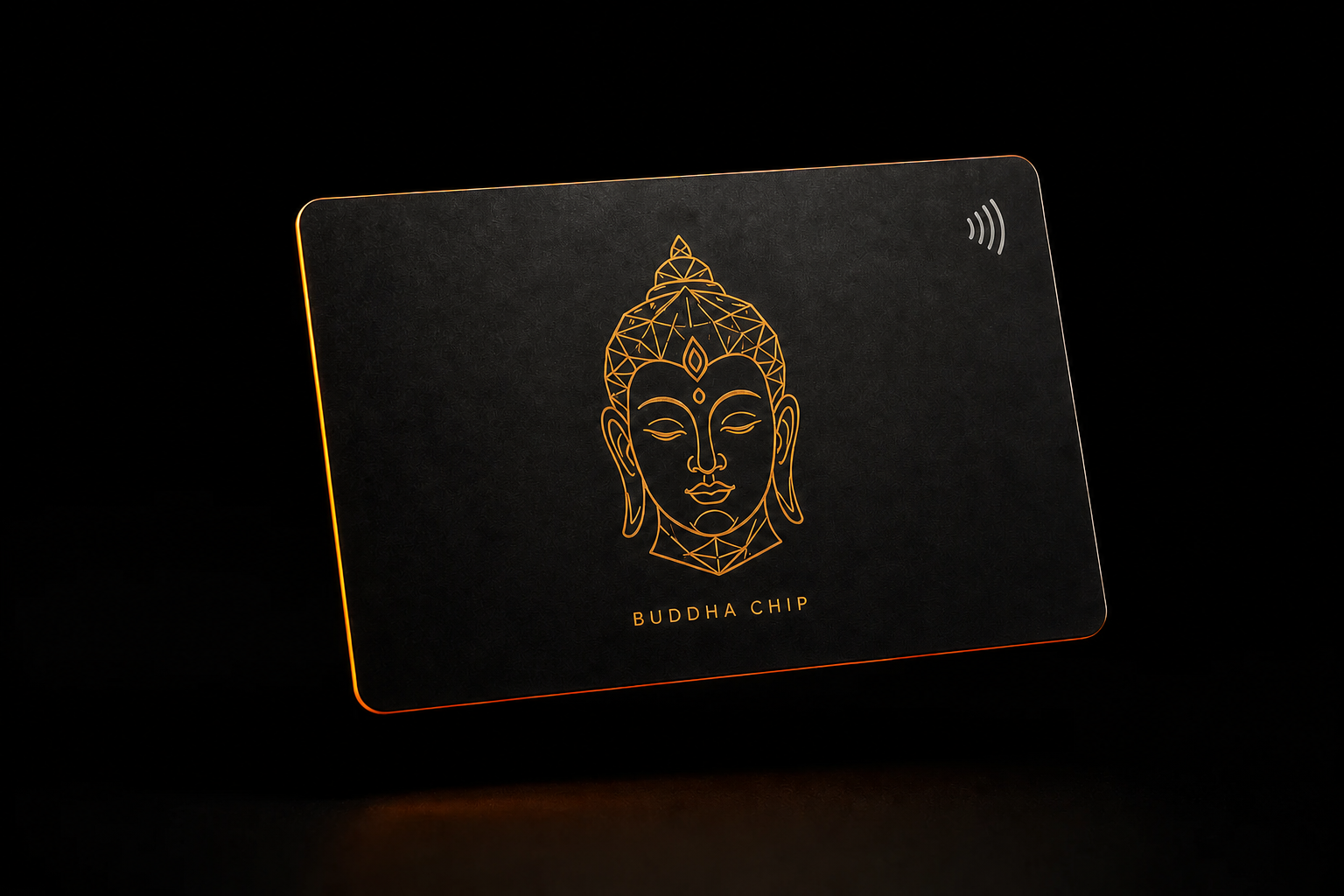
One deliberate boundary
Buddha Chip is the physical product. The Android app is a companion interface for NFC connection, public address display, Receive, official resources, and support.
The app may read a public address from a compatible NFC NDEF record. It does not request or read private keys, recovery phrases, passwords, passphrases, or a chip PIN.
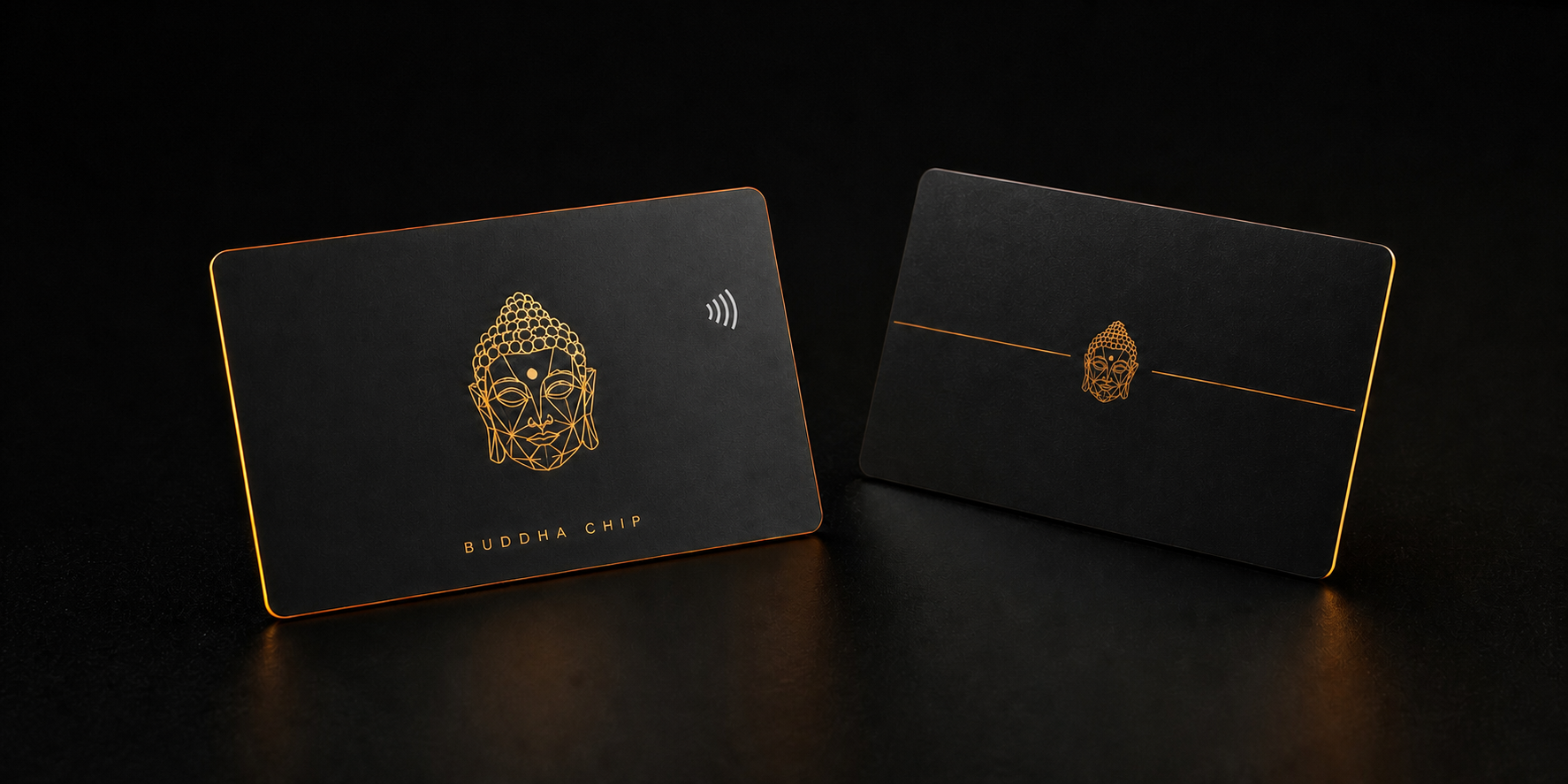 Physical NFC chip · front and back
The hardware
Buddha Chip is a physical NFC hardware chip designed for private-key storage. Private-key material is not exposed to the website or Android application.
From phone to chip
The companion app makes the hardware boundary clear and keeps secret material outside the phone.
Download the Android companion from Google Play using package com.walletbuddha2.app.
Use NFC to connect a compatible chip and display the public address exposed by its NDEF record.
View the public receive address and copy it only after an explicit tap.
Android companion
The current application has three visible sections: connection and public address details, Receive, and Settings. It has no account registration, no Internet permission, and no third-party runtime SDK.
Connect or disconnect the physical chip and view its public address with a local balance display state.
Display the public receive address and copy it after an explicit user action.
Open the official website, Privacy Policy, support email, and application version.
Official Android companion
Official Google Play listing · PEGI 3
The line we do not cross
Handled locally by the app
Never requested or handled
Hardware-chip-only product
Buddha Chip is a physical NFC chip designed to hold private keys in dedicated hardware.
The Android companion reads compatible public information over NFC without requesting secret key material.
Direct answers
It is a physical NFC hardware chip designed to hold private keys. The Android application is companion software for reading compatible public information over NFC.
No. The current application does not request Android Internet permission. It does not query public blockchain nodes or connect to a relay network.
The app may read a public address from a compatible NFC NDEF record while it is in use. It does not read or retain the NFC tag identifier and never requests private keys or recovery phrases.
The current app shows a local balance state in its interface. Because the app has no Internet permission, it does not fetch balance data from a blockchain network.
Contact official support at [email protected]. Support will never ask for a private key, recovery phrase, chip PIN, password, or passphrase.
Official Android companion
Install the companion from the official Google Play listing and keep every recovery phrase and private key offline.